Solo — architecture, ML pipeline and both platforms · 2026
Naqi — Halal Video Filter
Strips music and censors imagery in a video — entirely on your device.
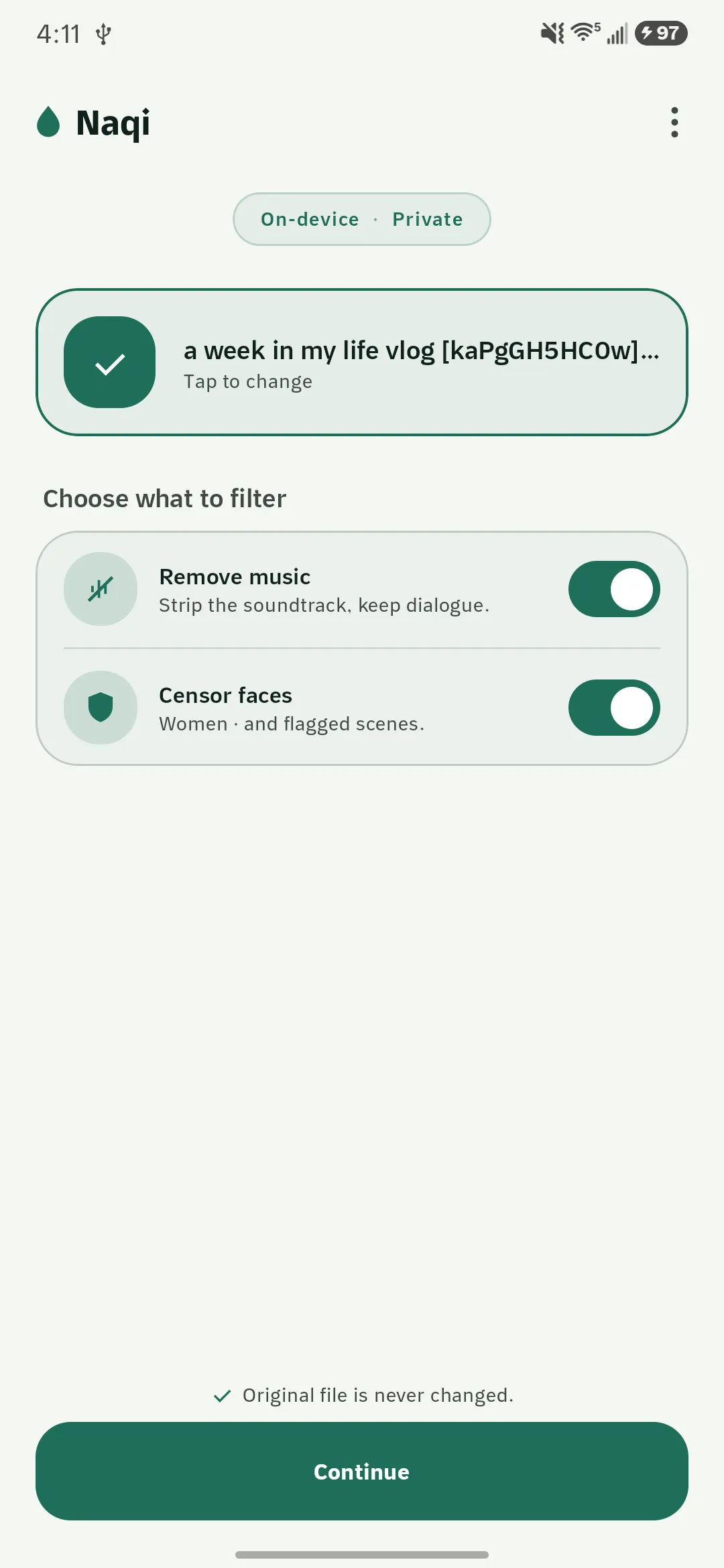
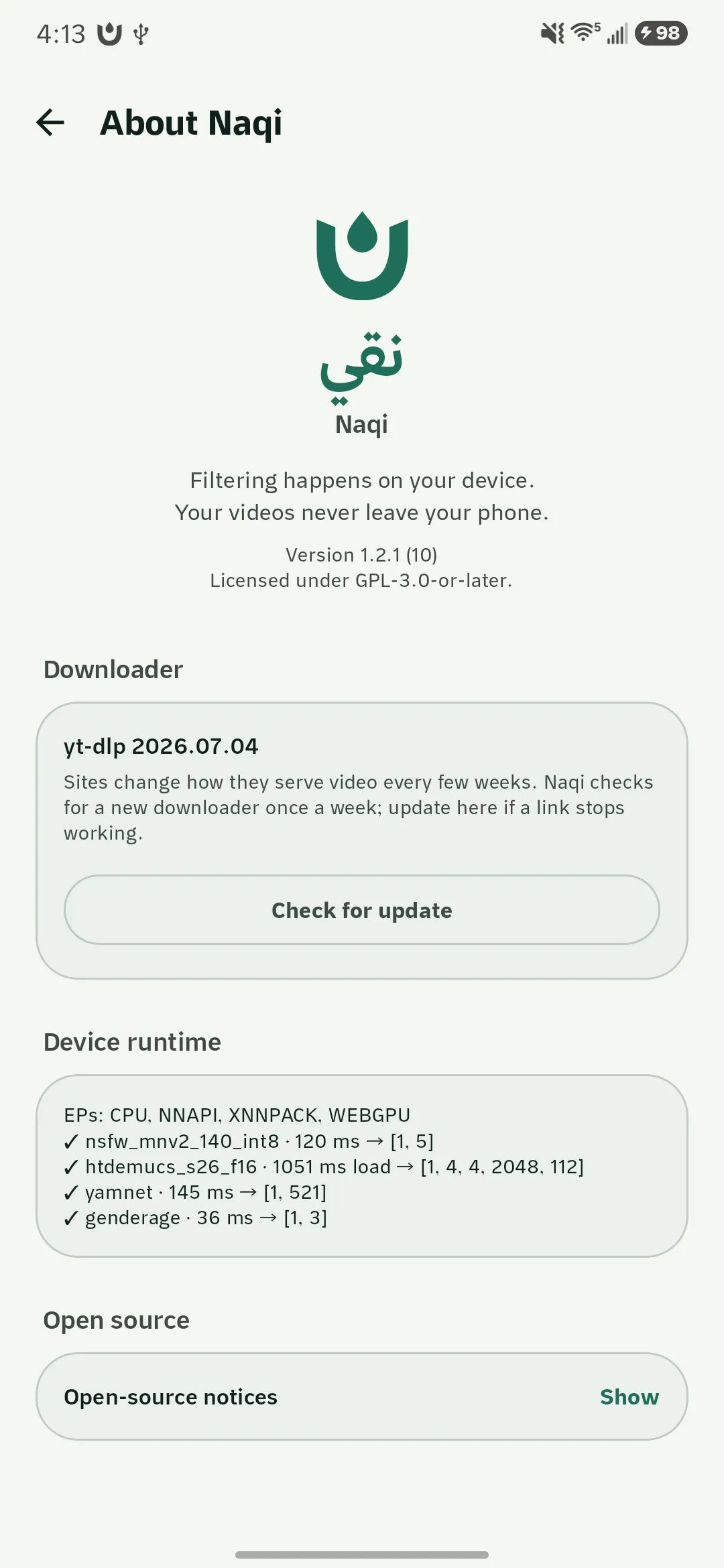
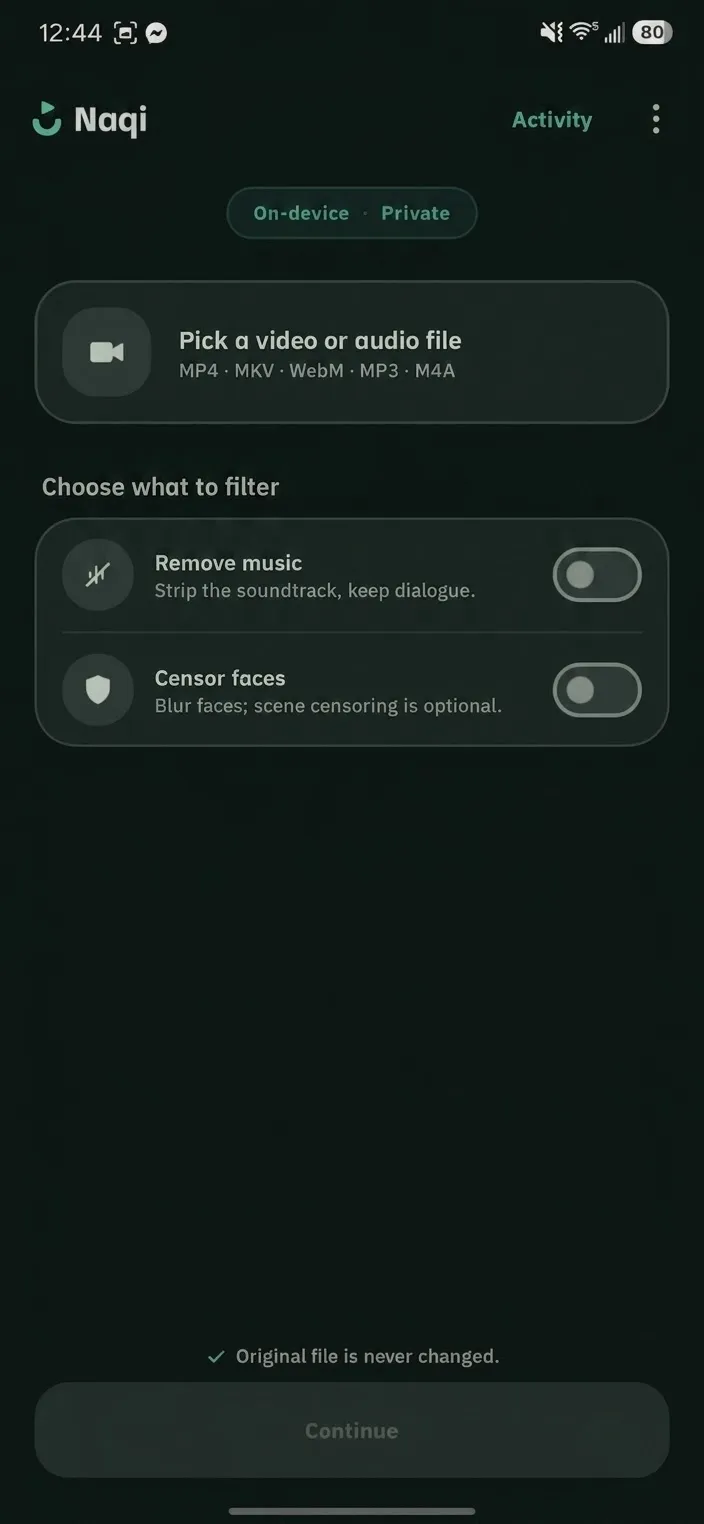
Naqi filters a video locally: stem separation removes the music while keeping dialogue, and a detector blurs faces or whole frames for the chosen strictness. No cloud, no account, no telemetry, and the original file is never modified. Shipped on Android; a full Swift rewrite targets iPhone, iPad and Mac.
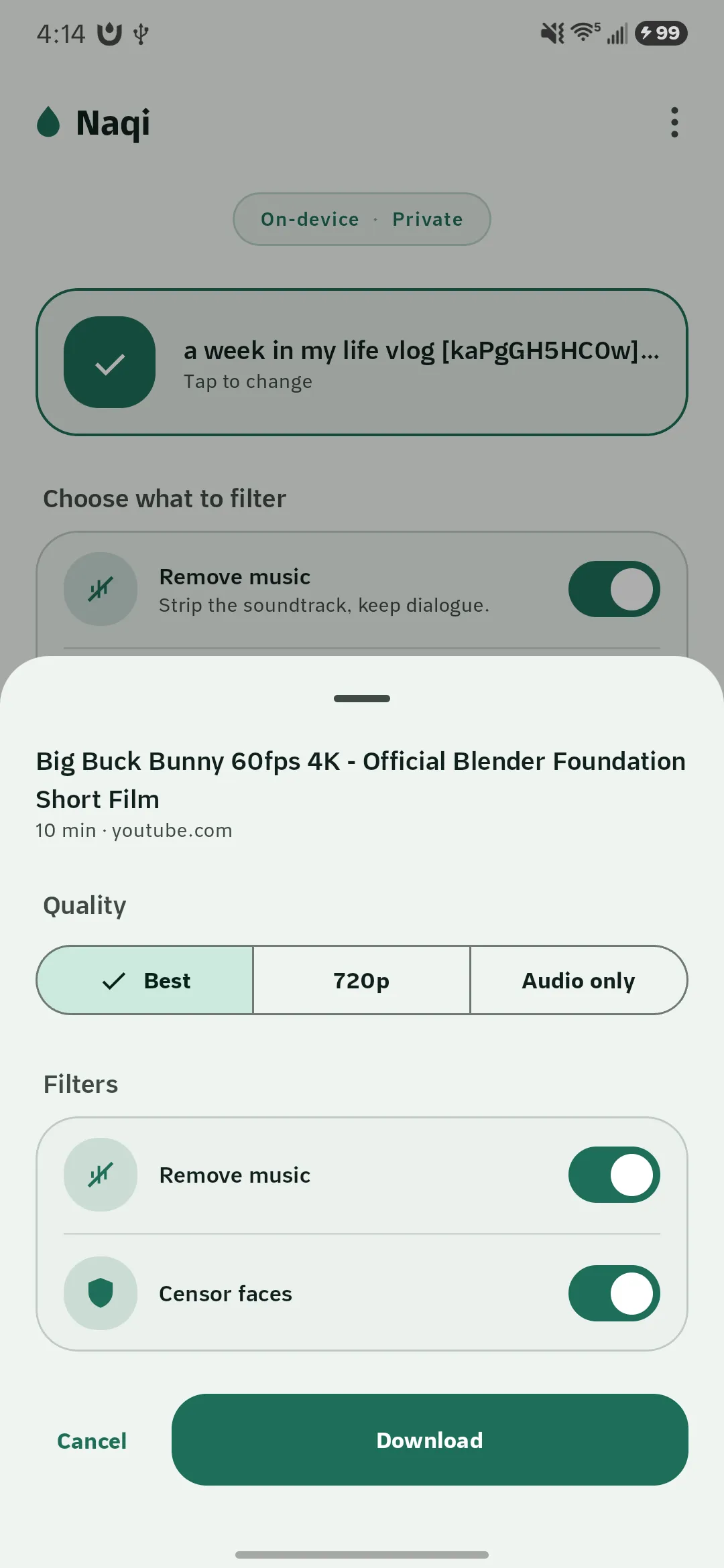
Plenty of tools will filter a video for you if you upload it somewhere. That trade is unacceptable for the people who want this most — the whole point is that nobody else sees what you are watching. So Naqi does everything on the device: models ship inside the app, and the only network call it ever makes is an optional model download.
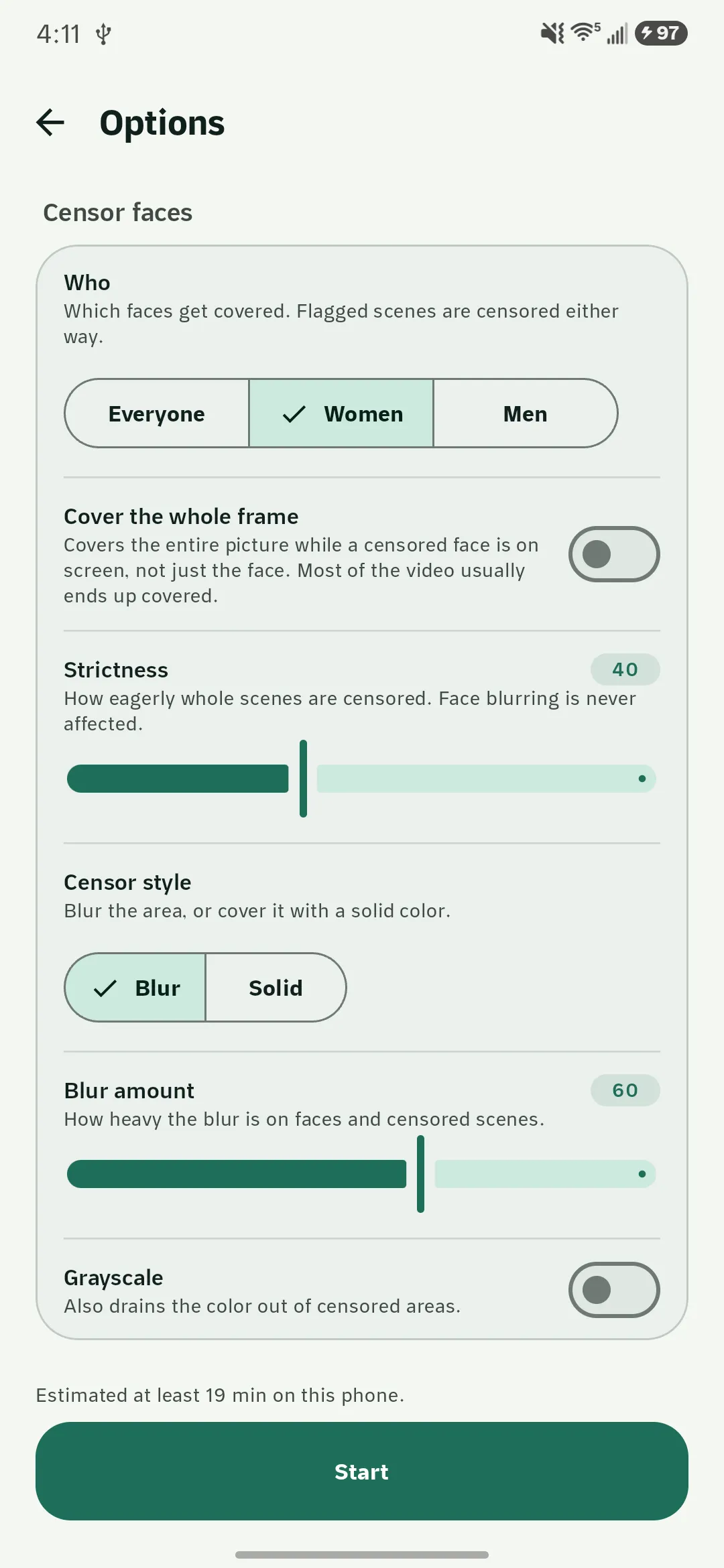
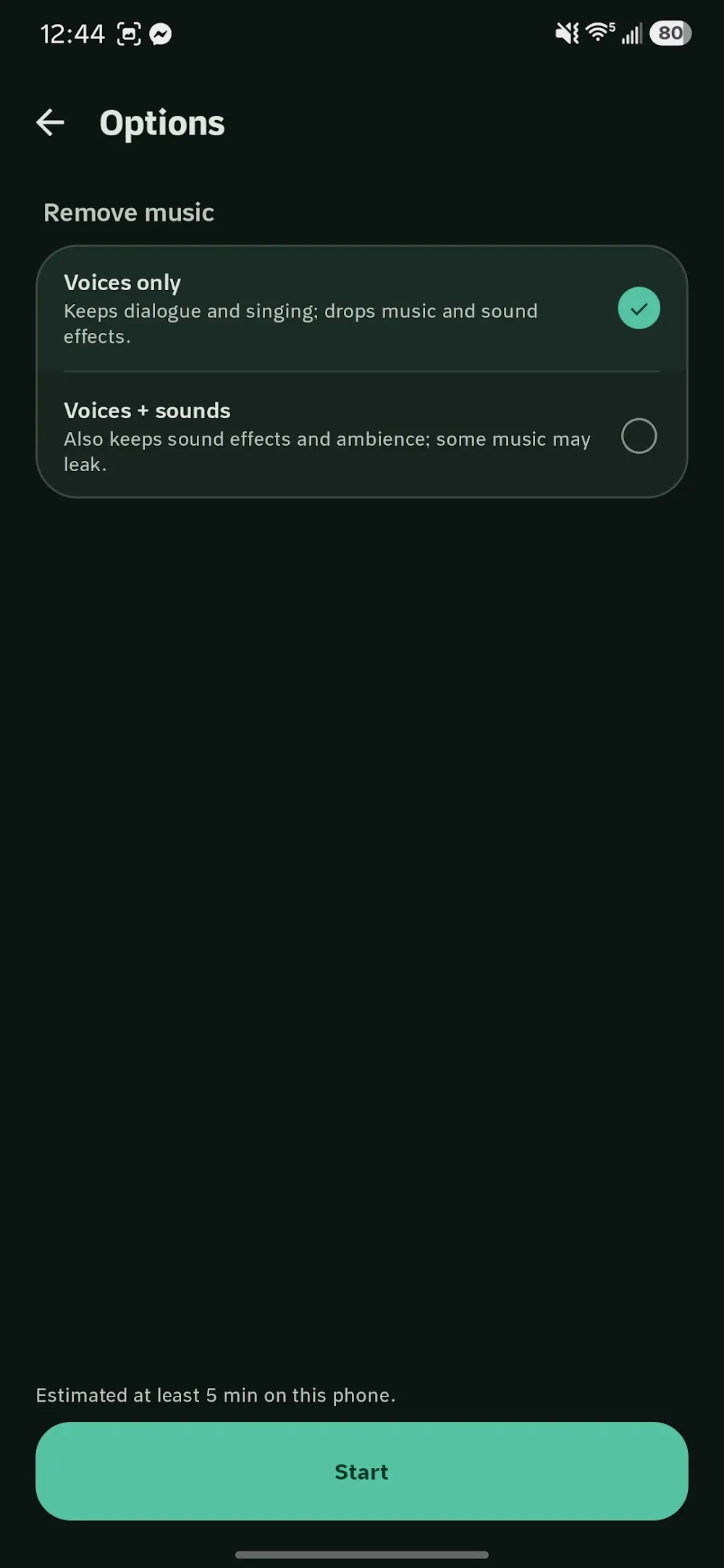
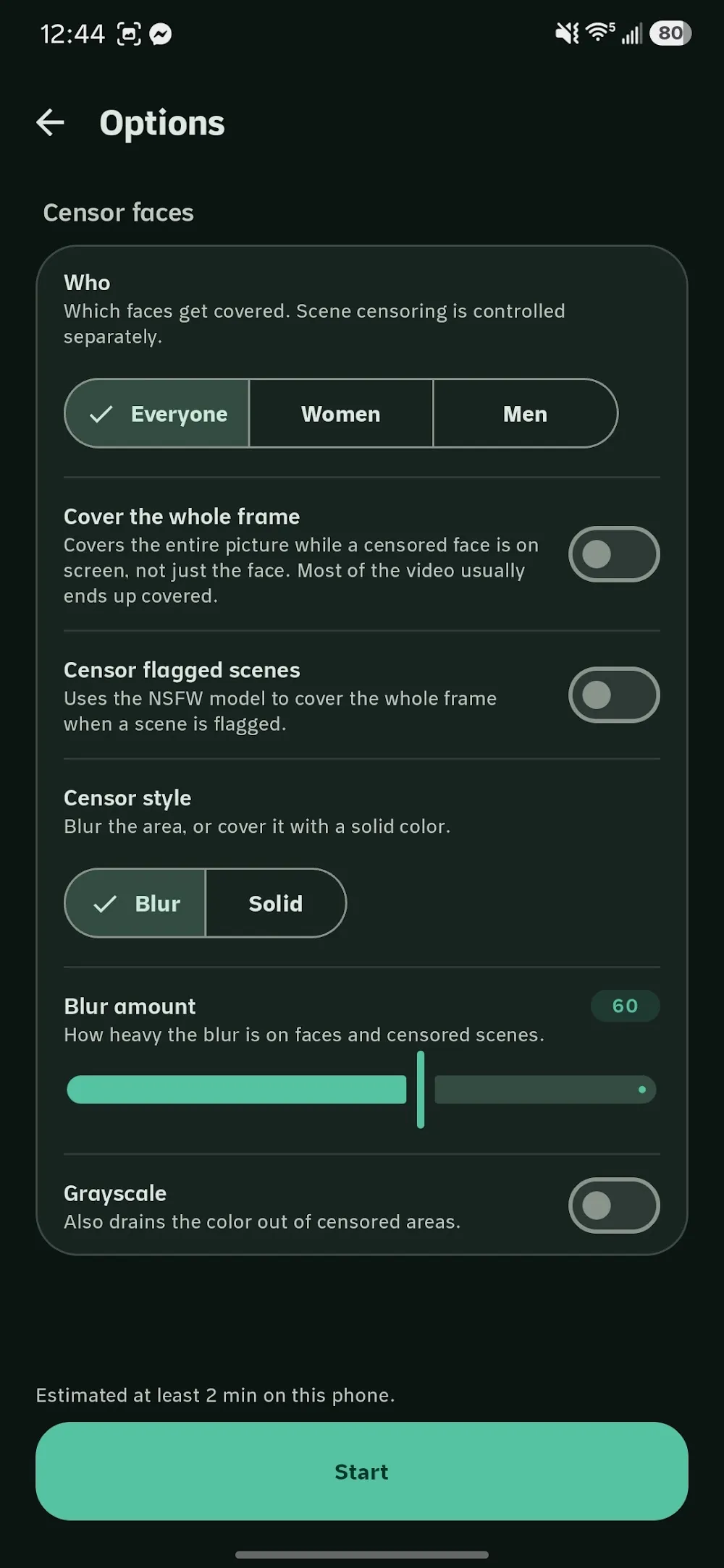
Two operations run independently or together. Removing music runs htdemucs stem separation and keeps vocals — or vocals plus other — while drums and bass are never kept. Censoring blurs the faces of a chosen gender for their whole on-screen span, and censors the entire frame while an NSFW classifier gate is firing, with pre-roll so nothing slips through on the frame the detector fired.
The Android app is the shipped reference implementation. The Apple version is a ground-up Swift rewrite rather than a port: the Android pipeline is bound to MediaCodec, GLES and ORT-Android, and none of that crosses over.
Problems worth solving
The pipeline does not port
The obvious plan for the Apple version was to reuse the Android core. It does not survive contact: decode, GPU effects and inference are each welded to an Android-only API. Attempting a shared layer would have produced a lowest-common-denominator abstraction that fought both platforms.
I accepted the rewrite and moved the shared asset up a level: instead of shared code, the Android build plus its QA clips became the parity suite. The Swift version is correct when its output matches the Android output on the same inputs, which is a far stronger contract than shared source would have given.
A detector that fires late lets frames through
A classifier decides frame by frame, so it necessarily fires on the frame that already contains what you did not want to see. Filtering only the flagged frames means the user sees the thing, briefly, every single time.
Detection and rendering are separated by an edit decision list. A first pass builds spans with pre-roll before each detection and hysteresis so a flickering detector does not produce flickering censorship; the second pass renders those spans. The cost is two passes over the video, which is worth it.
Feature-length video on a phone
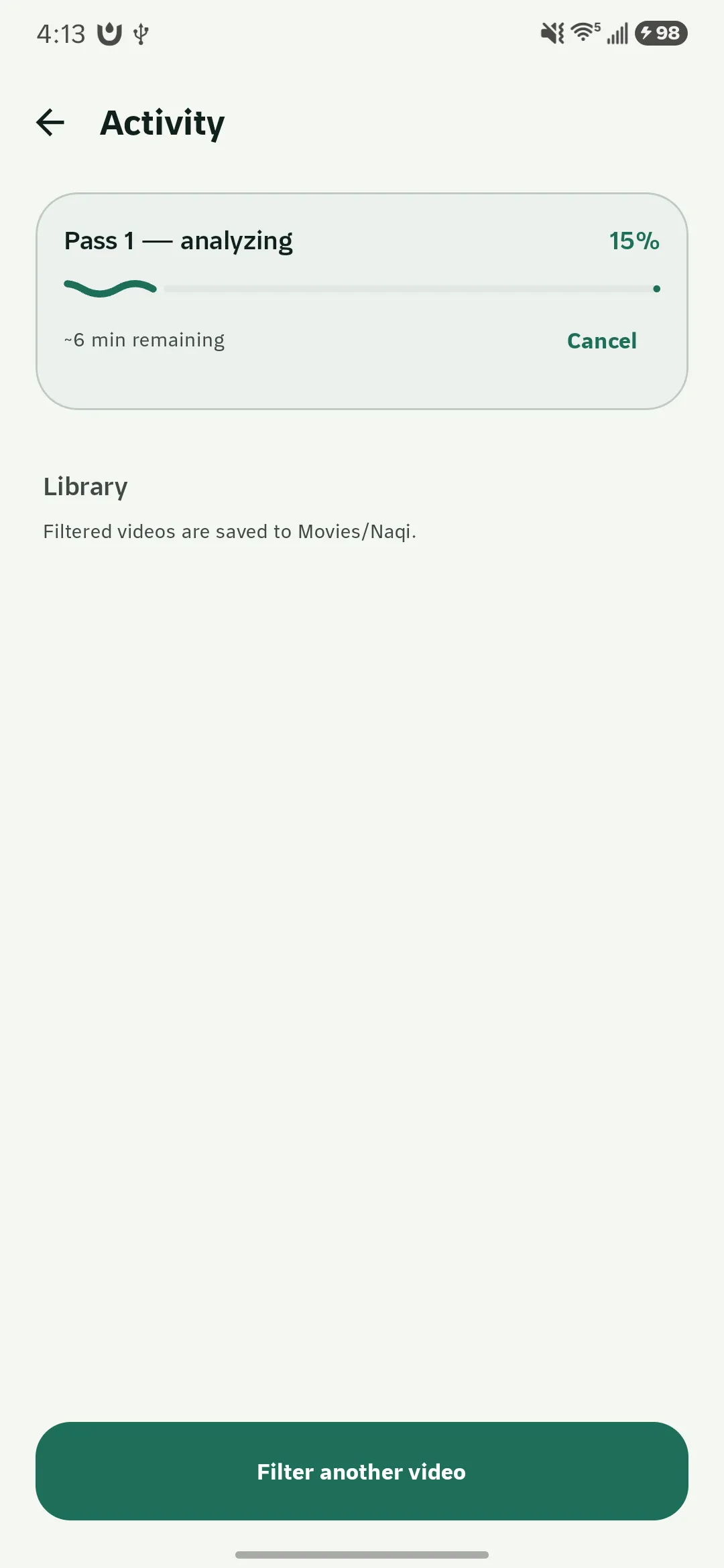
Stem separation and per-frame inference over a two-hour file is long enough that the OS will kill the app, the user will switch away, or the battery will run out mid-job. Restarting from zero each time makes the feature unusable.
Jobs are checkpointed per segment and survive an app kill or a reboot — processing resumes where it stopped rather than restarting. Progress is reported per stage with a live estimate, so a long job at least looks like a long job instead of a frozen screen.
Being honest about what it cannot do
The failure mode of this category of app is overpromising. No detector is perfect, and a user who believes the filter is absolute is worse off than one who knows its limits.
The limits are documented in the README and stated in the app: uncertain detections are censored rather than skipped, an occasionally over-blurred frame is the accepted cost, and the output should be verified before it is relied on. The bias is deliberate and it is written down.
What came of it
- Shipped on Google Play; Apple rewrite in progress against an Android parity suite.
- Runs fully offline — models bundled, no accounts, no telemetry.
- Resumable jobs survive app kills and reboots.